How to print a large image on multiple pages
You do not need a large-format printer to make a larger paper layout. A tiled PDF divides the drawing into smaller regions that you can join after printing.
Start with the final size
Import a PNG, JPEG or WebP and set the width or height you actually need. Enlarging a small raster image makes it softer; it does not add detail. The current limit is 20 MB and 24 megapixels per source image.
Choose paper and margins
Select A4 (210 × 297 mm) or US Letter (8.5 × 11 inches), then portrait or landscape. The margin reserves unprinted space around each sheet. Use a value supported by your printer. A 10 mm margin is a useful starting point, but printer capabilities differ.
Add a useful overlap
Overlap repeats part of the drawing on neighbouring sheets. A 10 mm strip gives you room to align the two copies. More overlap can make assembly easier but increases the sheet count. Watch the preview after changing paper, orientation, margins or overlap.
Try the vase example
Download the vase PNG below and set the width to 280 mm, giving a 420 mm height. With A4 portrait, 10 mm margins and 10 mm overlap, the drawing spans four sheets. Enable the overview, page numbering and alignment marks. Export all drawing sheets for the complete layout.
Print without scaling
First print the calibration page at Actual size / 100% and measure the 100 mm line. Print the drawing pages with those same settings. Avoid Fit to page. Paper size in the PDF viewer and the physical printer should match.
Lay out, trim and align
Arrange the sheets using the assembly overview and row/column labels. Trim one side of each join while keeping the matching overlap on the other sheet. Align the repeated lines, secure the join, then check a known distance across it. Do not trim away both copies of the overlap.
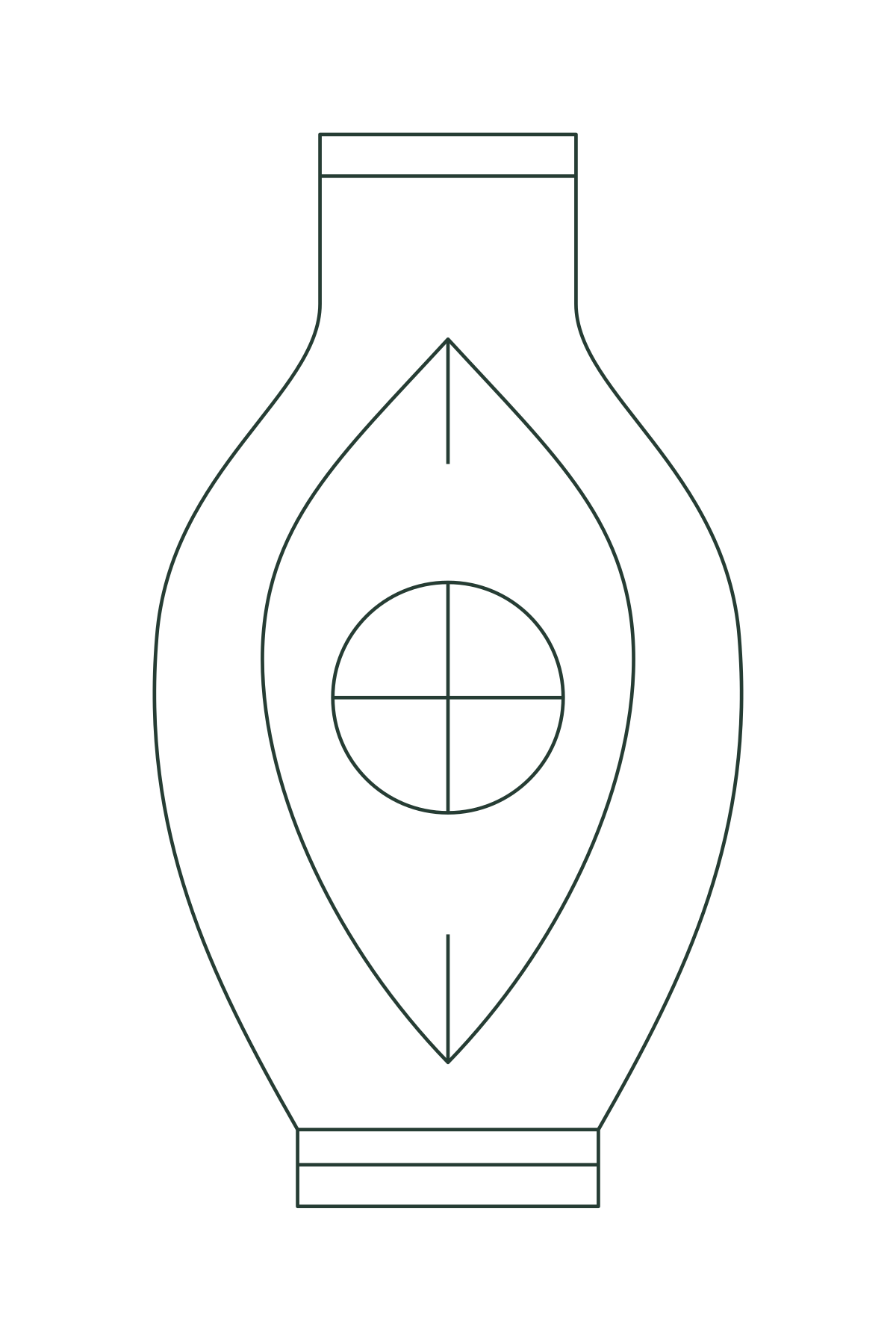
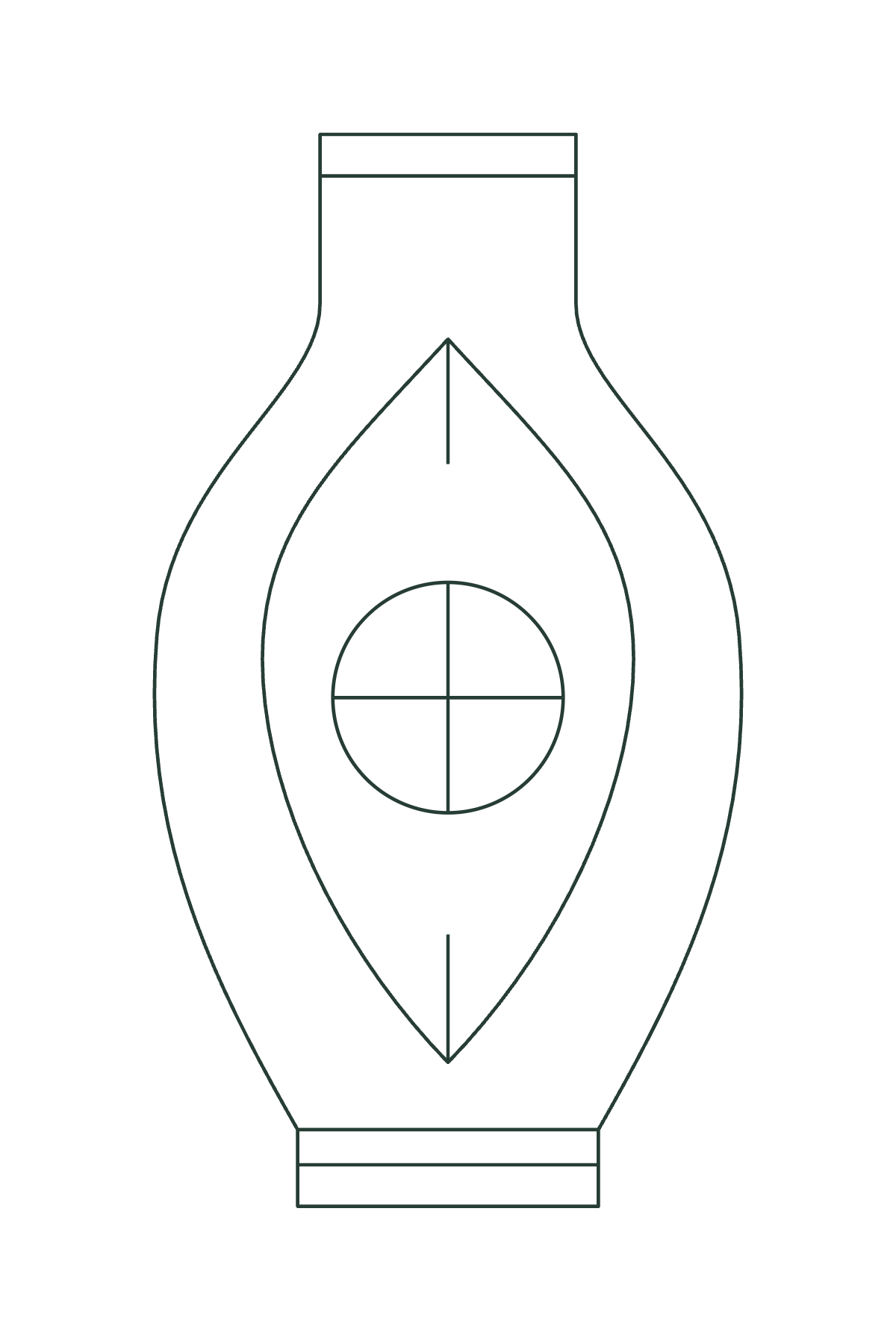
The examples are original Linefold drawings. Suggested settings are a reproducible layout exercise; physical results depend on your printer and assembly.