Set a physical size
Choose millimetres or inches. Keep the image proportions, or use two points and a known distance to set the scale.
Turn an image into a full-size tiled PDF. Set a real measurement, preview the pages, then print, trim and join them.
PNG · JPEG · WebP → printable PDF
Choose millimetres or inches. Keep the image proportions, or use two points and a known distance to set the scale.
Choose A4 or US Letter, portrait or landscape. Adjust margins and overlap, and select the sheets you need.
Export a real PDF with an optional assembly overview and a 100 mm calibration line. Print at Actual size / 100%.
Use your own PNG, JPEG or WebP. Maximum 20 MB and 24 megapixels. No account needed.
Enter a target width or height, or mark a known distance. Review the page grid and overlap.
Download the PDF. First print and measure the 100 mm calibration line. Then print and join the drawing sheets.
Download a PNG, open Print Studio and choose that file. These samples are yours to use for personal or commercial projects. Dimensions below are practice suggestions, not verified print results.
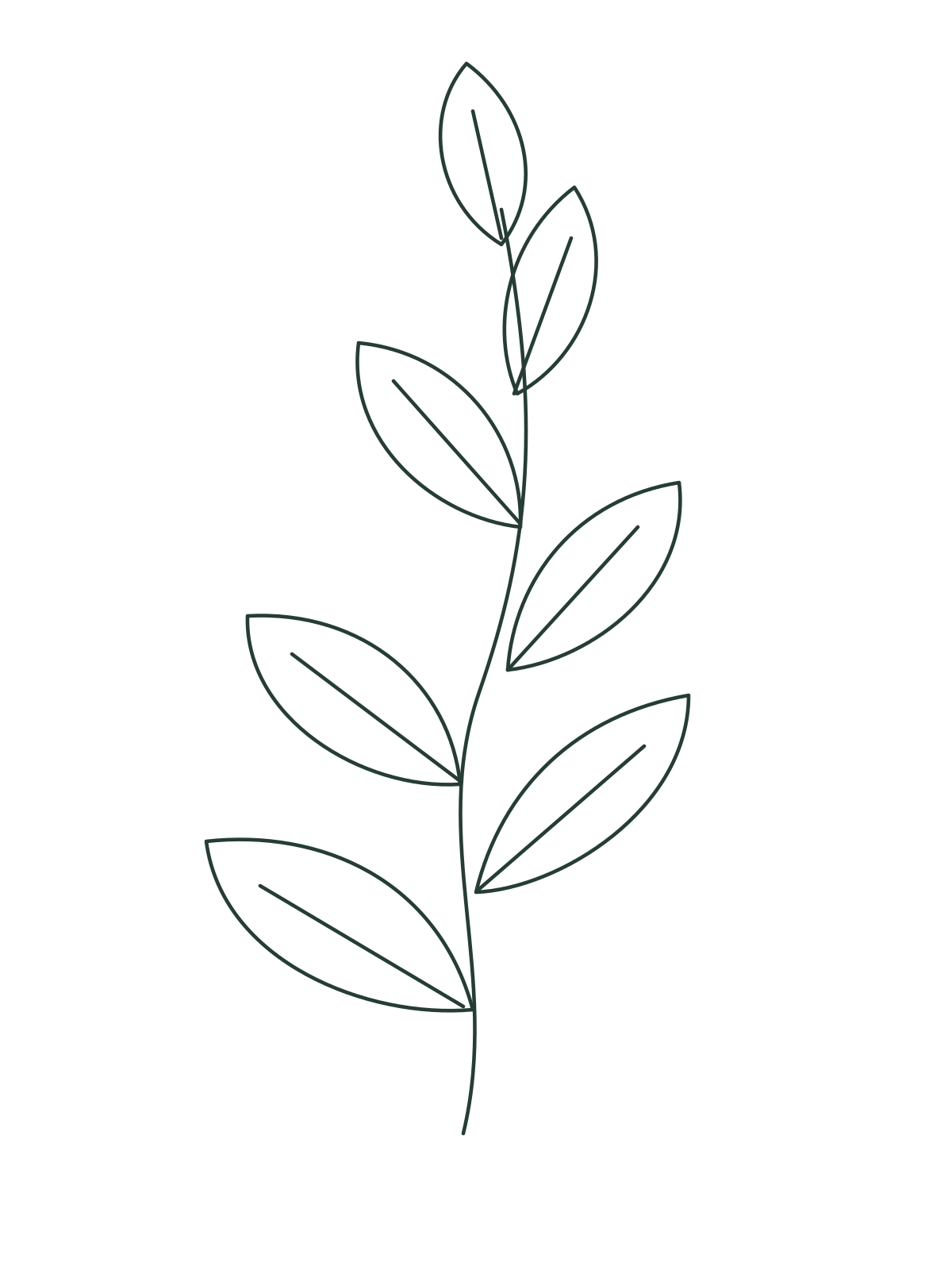
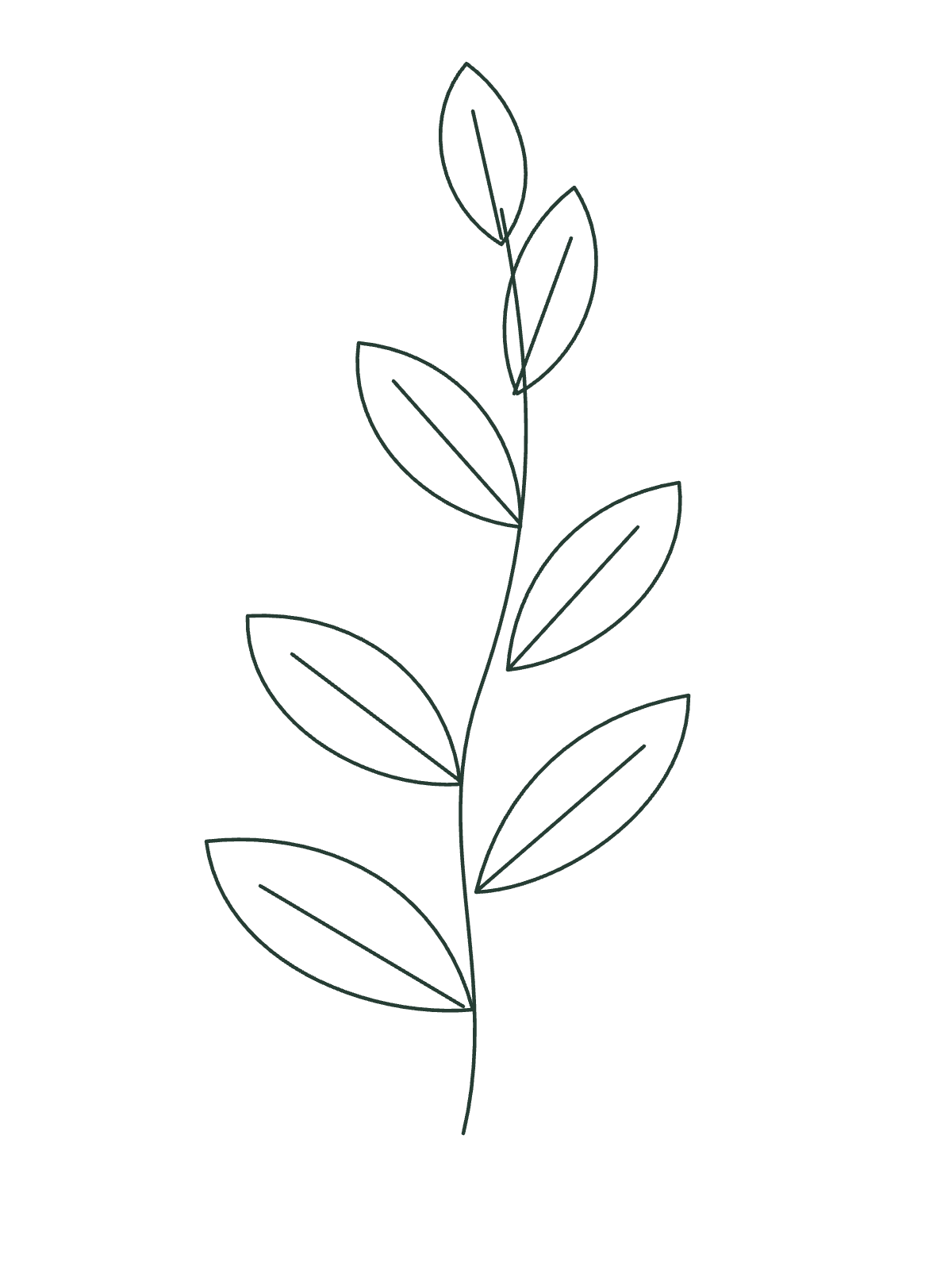
A quiet outline for tracing or painting practice.
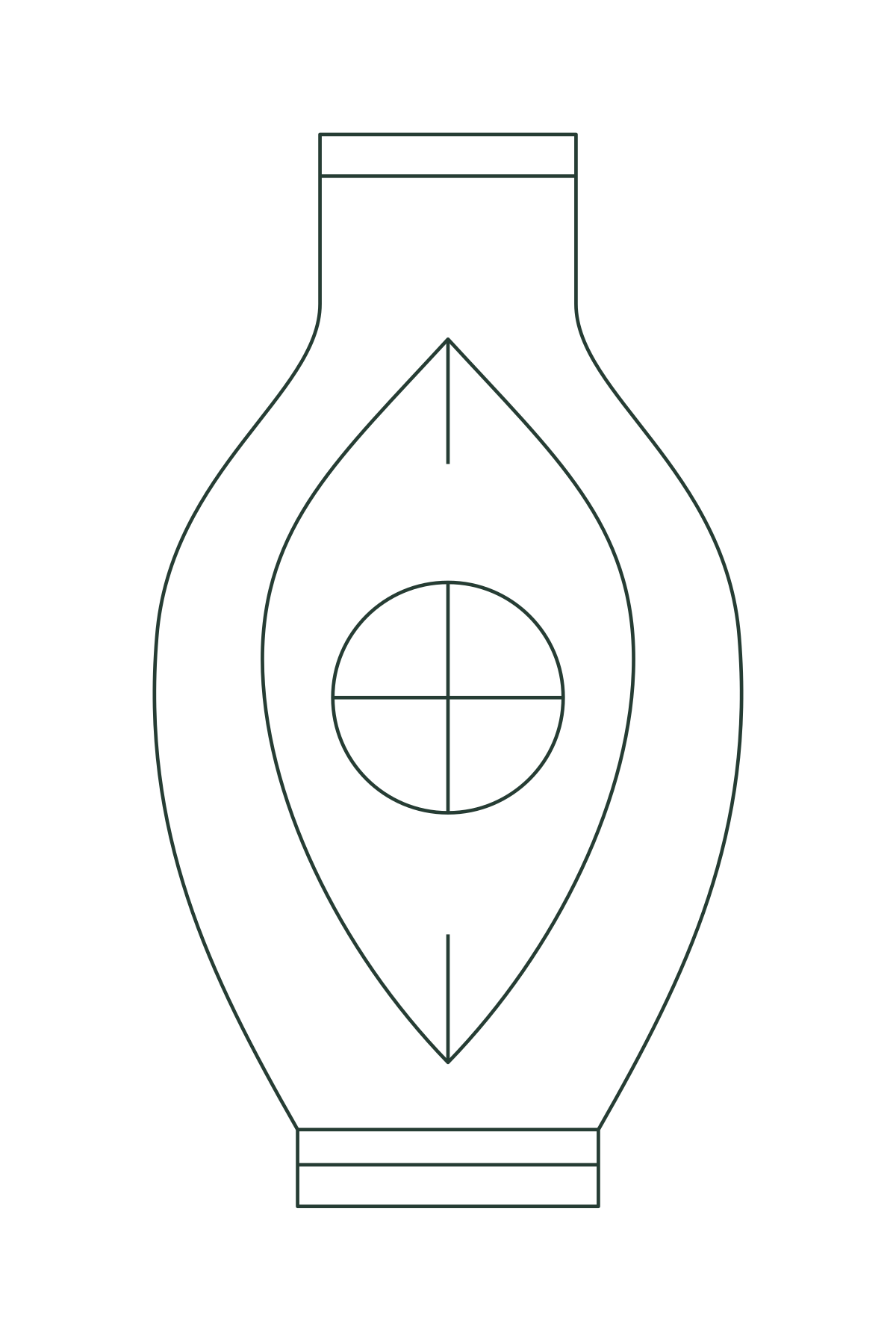
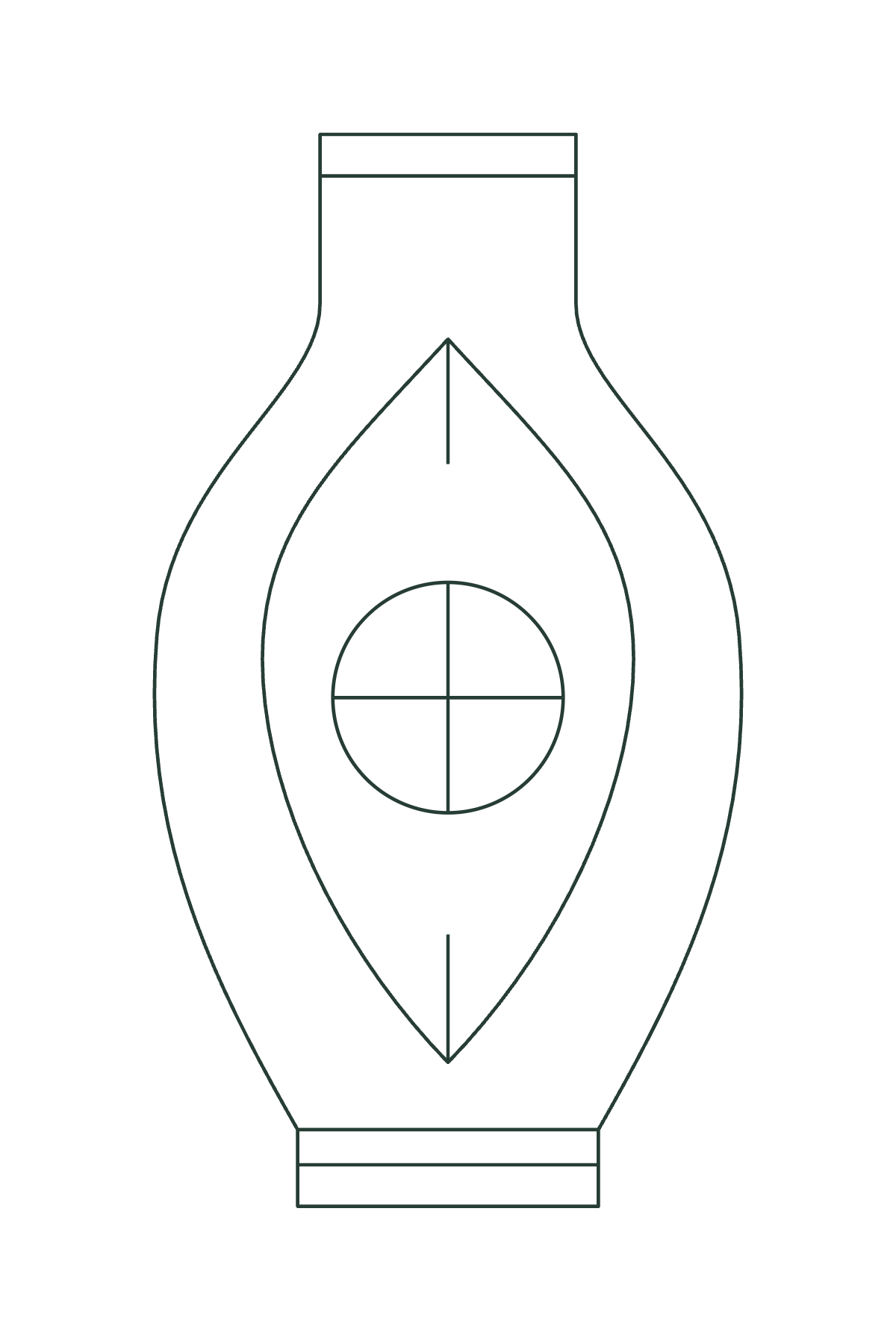
A symmetrical outline for checking joins.
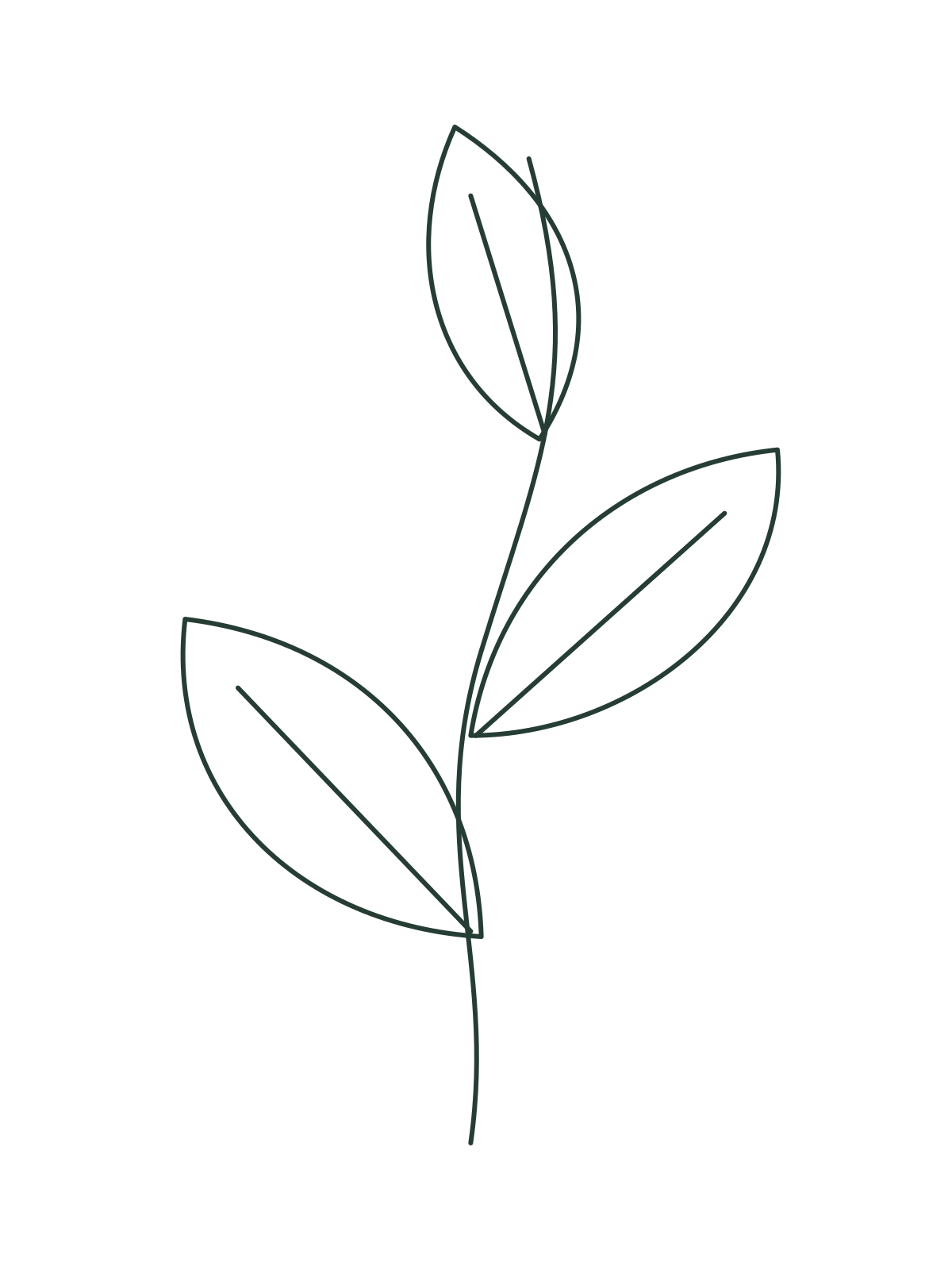
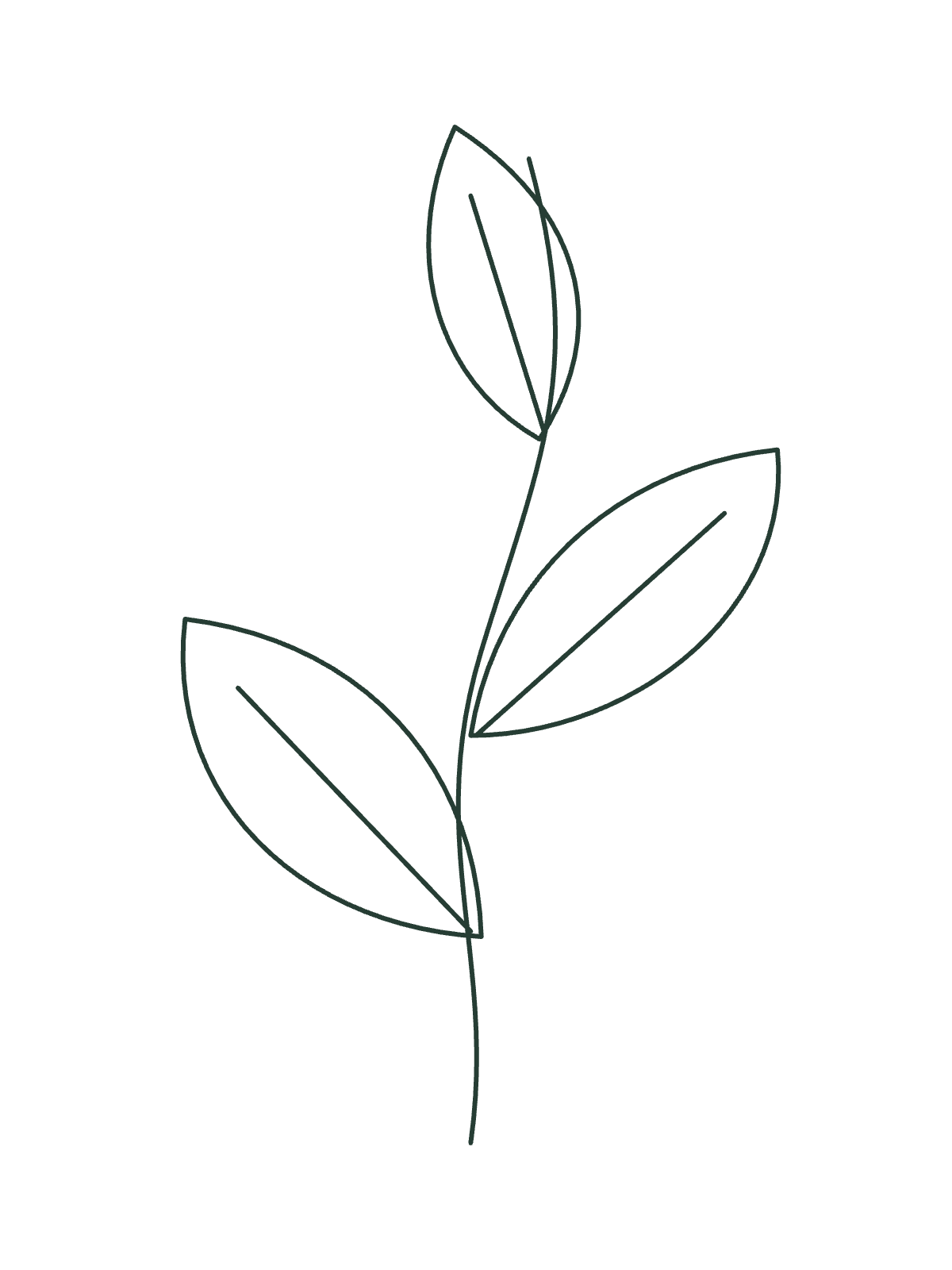
A simple outline for an embroidery layout.
Original Linefold samples · PNG download · no email required
Short, practical instructions for scale, tiling and printer settings.
Choose a reliable measurement instead of relying on image DPI metadata.
Read the guide →Choose paper, overlap and margins, then join the sheets in order.
Read the guide →Find scaling settings before printing the entire project.
Read the guide →Image decoding, preview and PDF creation happen in your browser. This version does not send the image to an application server. See Privacy for hosting access logs and local storage.
Not yet. Import PNG, JPEG or WebP. The output is a PDF. Convert other source formats to an image before using the tool, and check the resulting resolution.
The PDF uses physical dimensions, but printer drivers can scale it. Choose Actual size / 100%, disable Fit to page, and measure the calibration line before using the drawing. Physical print accuracy has not been independently certified.
The two-point reference sets a uniform scale; it does not correct perspective, lens distortion or a curved surface. A flat, straight scan is a better source.
The public beta is free and has no account, advertising or payment flow. Features and limits may change after validation; there is no paid plan to buy today.
Bring an image and a ruler. Start with a test print.